
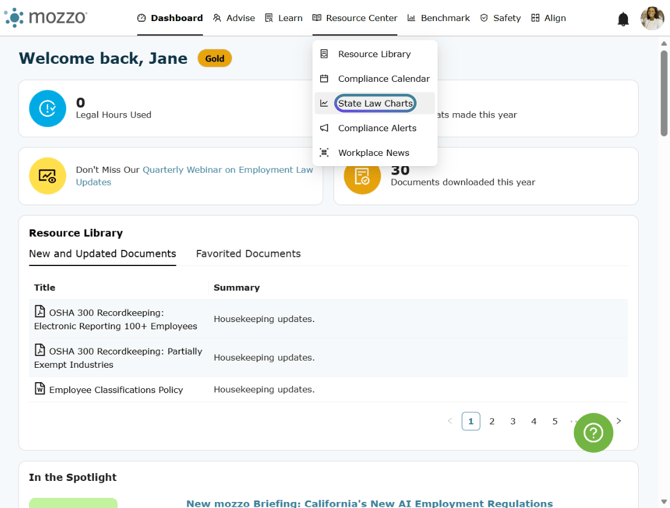
1. Click on State Law Charts from the Research drop down.
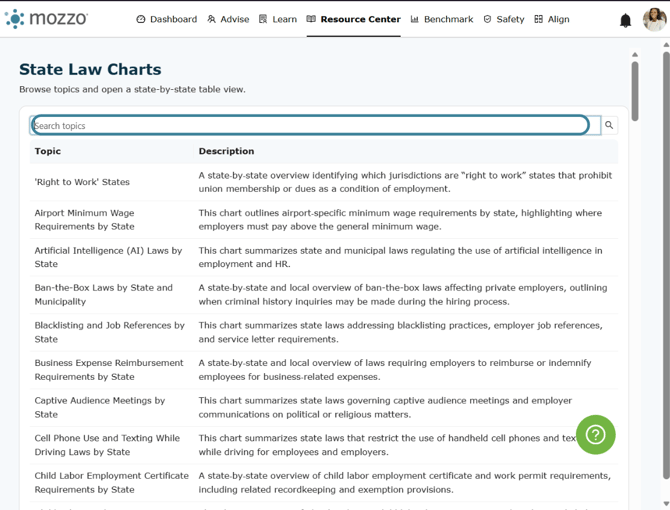
2. All the available State Law Charts are displayed. You can scroll down the page, or enter a keyword to search a topic.
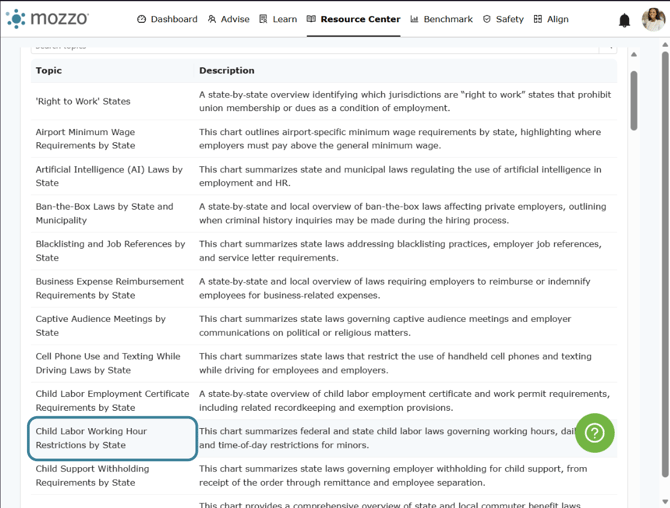
3. Click on one of the topics to see the comparison chart.
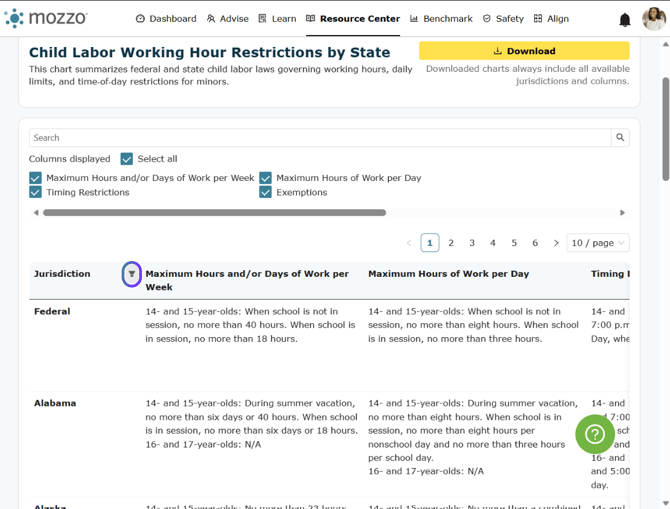
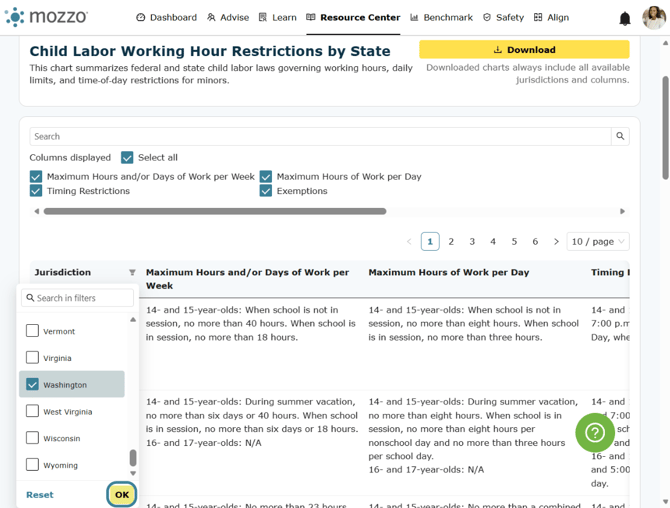
4. Click on Jurisdiction to filter the states displayed.
5. Click on OK when you are done selecting states
6. To view the state information in one column, click on the state.
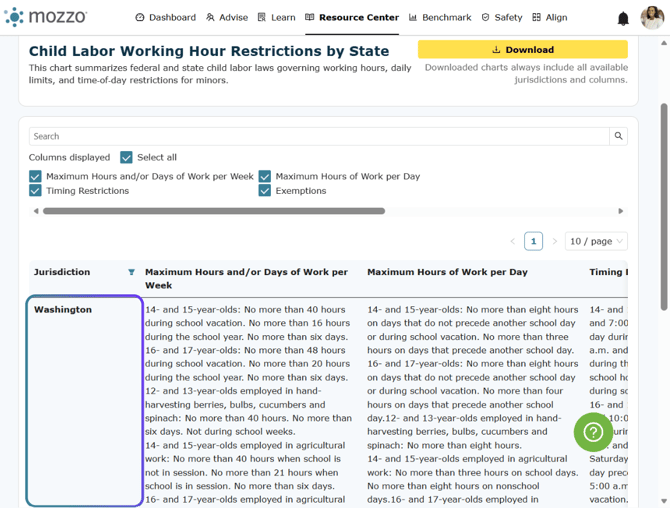
7. View the state information and then click close.

8. Click on Download to download the chart in excel.

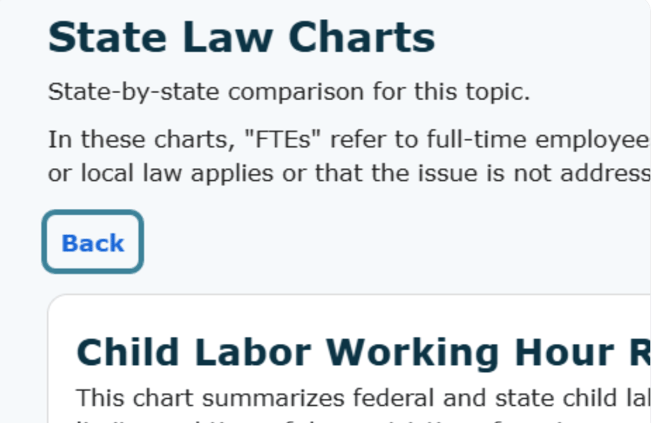
9. Click on Back to return to the list of charts. Note, all jurisdictions and columns will appear in the download even if you have them filtered out of the view.
10. Click on one of the columns displayed checkboxes to remove it from the view.
